
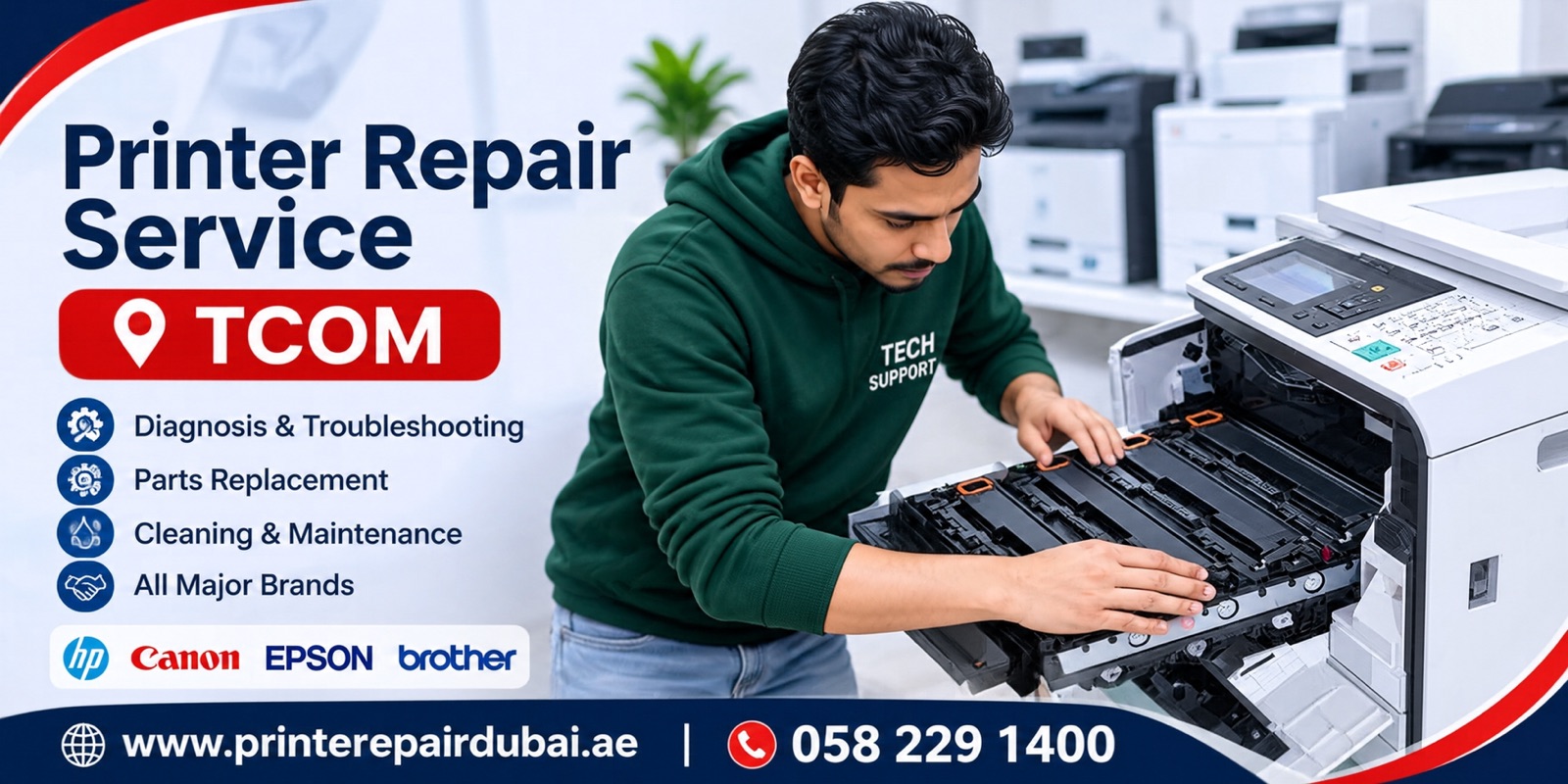
Does your printer refuse to print, show an error, or stop halfway through a job? We provide onsite printer repair in TECOM, also known as Barsha Heights, Dubai. Our technician can visit your apartment, office, shop, or business premises to check the machine where you normally use it.
An onsite technician visit and printer checking costs AED 50. Printer repair starts from AED 150. The repair price depends on the fault, model, work involved, and any replacement parts required. Contact us on 0582291400 to describe the problem and arrange a visit.
We handle all major printer brands, including HP, Canon, Epson, Brother, Samsung, Xerox, Ricoh, Kyocera, Lexmark and Pantum. Whether your printer is a small inkjet at home or a shared office laser printer, send us the model number so we can discuss the right next step.
Onsite Printer Repair in TECOM (Barsha Heights)
TECOM is still a familiar name for Barsha Heights. The area has residential buildings, hotels, offices, and businesses in the same neighborhood. A home printer might be used a few times a week, while an office printer may be shared by an entire team. Both can become inconvenient when they fail.
Our onsite service means you can ask for a printer technician to come to your location in TECOM. You do not need to carry the machine downstairs, transport it in a car, or disconnect a network printer before anyone has checked the problem.
During the visit, the technician can inspect the reported fault and explain whether it appears to involve a setting, consumable, connection, or internal part. Some faults may be addressed at the premises. Others can require parts, additional work, or workshop attention. We do not promise that every printer can be fixed during one visit.
For a smoother booking, share your building name, office or apartment number, printer brand, exact model number, and any error shown on the screen. A clear photograph of the printer label or error code can be useful.
Printer Repairs for TECOM Offices and Businesses
An office printer often handles invoices, signed forms, quotations, contracts, and routine documents. When it stops working, several employees can be affected. Our technician can visit offices and business premises in TECOM to inspect printing problems without first removing the equipment from its working environment.
Shared printers can have two kinds of trouble. The printer itself might have a mechanical issue, such as paper not feeding correctly. Or the printer may be working while employees cannot send jobs to it because of a network, driver, queue, or permission problem. Testing the printer on site helps separate these possibilities.
If more than one workstation has trouble printing, let us know. Explain whether every computer is affected or only one, and whether the printer can print a test page directly from its own control panel. Those details can help narrow down the issue.
We also take enquiries about multifunction printers used for printing, scanning, and copying. Tell us which function has stopped working. A scanner fault is not necessarily the same as a printing fault, even when both functions are housed in the same machine.
Home Printer Repair in TECOM
Residents in Barsha Heights use printers for study materials, school forms, travel documents, personal paperwork, and working from home. A printer that has been unused for a long time can have different problems from one that prints every day.
For example, an inkjet printer that has been left idle may produce missing colors or faint output. A home Wi-Fi printer may stop connecting after a router change. A paper tray may fail to pick up sheets even when paper is loaded correctly.
You can arrange a technician visit to your apartment in TECOM rather than taking the printer outside. Tell us whether the fault started suddenly, after an update, after replacing a cartridge, or after moving the printer. Please also mention if anyone has already tried cleaning or resetting it.
Not every repair is economical. If the required replacement part costs too much compared with the printer's value, you should be able to make that decision after hearing the diagnosis and quoted repair cost.
Printer Brands We Service
We take repair enquiries for all printer brands. The common names include HP, Canon, Epson, Brother, Samsung, Xerox, Ricoh, Kyocera, Lexmark, and Pantum, but you can contact us about another make as well. Share the model before booking so we can discuss the work needed.
HP printer repair in TECOM may involve a paper pickup issue, a printer offline message, toner-related warnings, or print jobs that remain stuck. Canon and Epson customers often contact technicians about ink delivery, print quality, connection problems, or unexpected error messages.
Brother, Samsung, Xerox, Ricoh, Kyocera, and Lexmark office printers may use different toner, drum, fuser, roller, and paper transport arrangements. A proper check matters because the same visible symptom may have different causes on different models.
We can discuss laser printers, inkjet printers, network printers, and multifunction machines. Please do not assume a particular part needs replacement based on the error alone. The actual fault should be checked before buying components.
Printer Not Printing or Stuck in the Queue
One of the most common complaints is simple: a document is sent, but nothing comes out. The computer may show the printer as ready, the job may sit in the queue, or the printer may never respond.
The cause could be a paused queue, a selected printer that is no longer connected, a driver issue, paper or consumable warnings, or hardware that is failing to start. For network printers, the assigned address may also have changed.
Our technician can check what happens when you send a job and whether the machine can print its own internal test page. This helps distinguish a printer fault from a computer or network problem. Tell us whether the issue occurs with one file or every document.
Paper Jam and Paper Feeding Problems
If the printer pulls in more than one sheet, makes a repeated clicking sound, or reports a jam when no paper is visible, the feeding mechanism may need inspection. Paper can be caught along the path, and worn or dirty rollers may struggle to grip sheets.
Avoid pulling stuck paper sharply. Torn pieces may remain inside, and force can damage sensors, guides, or roller assemblies. If the printer is hot, especially around a laser printer's fuser area, do not reach inside until it has cooled and the manufacturer's safety instructions have been followed.
During a service visit, the technician can inspect accessible parts of the paper path and identify whether cleaning, adjustment, or a replacement component is needed. If jams occur only with certain paper sizes or trays, mention that when booking.
Blank Pages, Faded Print and Missing Colors
Print quality problems can show up as empty sheets, faint text, streaks, broken letters, incorrect colors, or regular marks down the page. The likely causes differ between inkjet and laser printers.
On inkjet models, the ink supply, printhead, cartridge, or maintenance condition may be involved. On laser models, toner, drum, transfer, fuser, or other image-forming components can affect the result. Repeated cleaning without diagnosis may waste ink or make little difference.
If possible, keep one example of the defective print. A sample page often tells the technician more than a general description such as 'bad printing.' Mention whether the problem affects black text, colors, copied pages, or every print.
Printer Offline, Wi-Fi and Network Connection Repair
An offline message does not always mean the printer is physically damaged. It can appear after a router replacement, a password change, a network interruption, an operating-system update, or a change in computer settings.
For an office printer in TECOM, the technician may need to check how the device is connected and whether users can reach it over the local network. For a home printer, the problem may be a wireless setup or a saved connection that is no longer valid.
We can inspect the reported connection problem onsite. Please have access to the computer and network information needed for troubleshooting. You should enter private passwords yourself rather than sending them in an open message.
Printer Error Messages and Cartridge Warnings
Modern printers can stop printing when they detect a problem with a cartridge, toner unit, cover, paper path, waste container, or internal mechanism. Some display a code, while others show a short warning with very little explanation.
Send a photograph of the exact message when you contact us. The message is a starting point, not a final diagnosis. It is possible for the warning to appear because a sensor is blocked or a component is not seated correctly.
If the issue began after installing ink or toner, mention whether it is an original, compatible, or refilled cartridge. That detail can help the technician check for compatibility and installation problems.
Multifunction Printer, Scanner and Copier Issues
Multifunction printers combine several tasks in one machine, so it helps to be precise about what is failing. A printer may copy documents but not receive a job from the computer. Another might print normally yet fail to scan over the network.
An automatic document feeder can also jam separately from the main paper tray. Scans may come out with lines because the scanner glass or feeder strip is dirty, while other cases can involve mechanical or electronic faults.
When booking an onsite service in TECOM, explain whether the problem affects printing, scanning, copying, document feeding, or more than one function. The technician can then test the relevant part of the machine.
Printer Repair Price in TECOM Dubai
Our onsite technician visit and printer checking charge is AED 50. Printer repair service starts from AED 150. These are different price items: the first covers the visit and check, while the repair price depends on the fault and the work required.
Replacement parts, if needed, can change the total cost. The AED 150 figure is a starting repair price and should not be read as a fixed price for every model or problem. Ask for the full quote before approving any work.
The onsite technician visit and printer checking charge is AED 50. Printer repair starts from AED 150, and the final price depends on the printer model, the fault and any parts needed. If you go ahead with the repair, the AED 50 is deducted from the repair price. You get the full quote before any repair work starts.
If a replacement part is unavailable or the machine is uneconomical to repair, ask the technician to explain the options. A diagnosis can still be useful even when you decide not to proceed with a repair.
How to Book an Onsite Printer Technician in TECOM
Call or WhatsApp 0582291400. Tell us that the printer is in TECOM or Barsha Heights, Dubai. Include the building name and whether the visit is for an apartment, office, or shop.
Next, send the printer brand and model number. Describe the symptom in plain words: not switching on, not picking paper, offline, blank pages, error code, or another issue. A photo of an error message is helpful but not essential.
We can discuss appointment availability and the AED 50 technician visit and checking charge. Once the technician has inspected the printer, you can review the repair recommendation and price before deciding whether to go ahead.
Our office contact address is Tiffany Tower, Office 9, Dubai, UAE. For onsite printer repair in TECOM, please use the phone number to arrange a visit rather than bringing your machine without an appointment.
Why Onsite Diagnosis Can Help
A printer is often part of a wider setup. It may be connected to a wireless router, a shared office network, a desktop computer, or several laptops. Moving the printer away from that setup can make some connection faults difficult to reproduce.
At your premises, the technician can check whether the printer itself responds and whether it communicates with the devices that use it. This is particularly helpful when one employee can print while another cannot.
For mechanical problems, an onsite inspection can reveal the fault before anyone tries to transport a heavy machine. Whether the repair can be completed at the premises depends on the particular fault, the printer design, and the parts required.
Simple Checks Before Booking a Visit
First, read any error message on the printer screen. Check that the correct paper size is loaded, the covers are closed, and there are no obvious paper scraps near the accessible trays. Follow the printer manufacturer's instructions if it asks you to perform a specific step.
If the printer appears offline, check whether it is powered on and whether the computer is connected to the intended network. If the machine has a built-in test-page option, you can try it if you are comfortable using the controls.
Do not dismantle the printer or touch internal electrical or heated components. Laser printers contain high-voltage circuits and parts that can stay hot after use. If you smell burning, see smoke, or notice damaged wiring, switch it off safely and avoid using it until it has been inspected.
These checks are optional. If you are unsure, explain the symptom when booking. An onsite technician can examine the problem.
Book Printer Repair in TECOM (Barsha Heights)
If your printer is not printing, showing a warning, jamming, or losing its connection, contact us with the model and a short description of the fault. We offer onsite printer repair visits for homes and businesses within TECOM, Dubai.
The technician visit and printer checking charge is AED 50. Printer repairs start from AED 150, with a final quote based on the inspection and any required parts.
Call or WhatsApp: 0582291400. Office: Tiffany Tower, Office 9, Dubai, UAE. Ask for a printer technician visit to your location in TECOM (Barsha Heights).


