
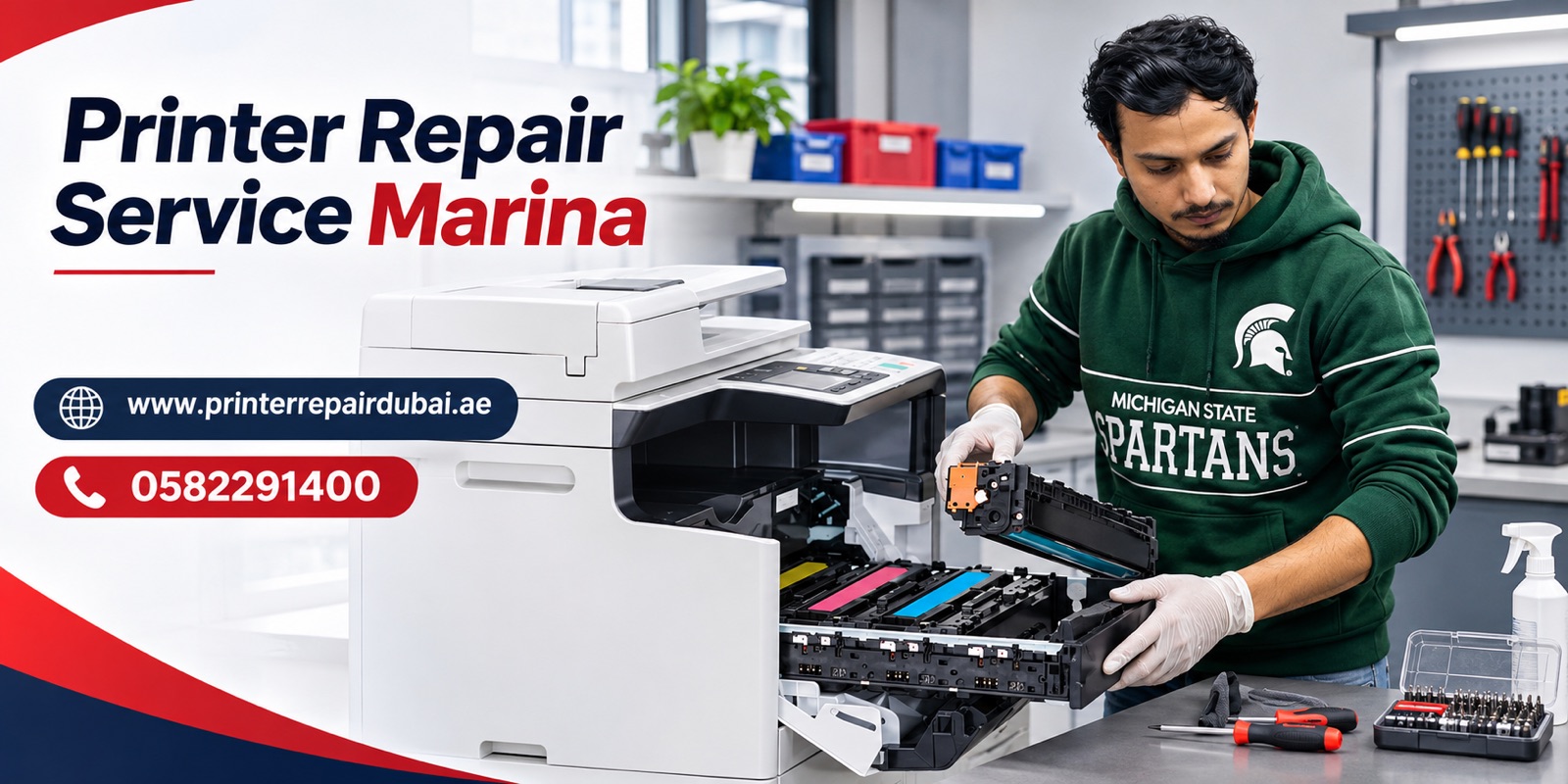
Need a printer repaired at your apartment or office in Dubai Marina? We provide onsite printer repair for residents, small businesses and offices in Dubai Marina. A technician visits your location, checks the printer and explains what needs to be done. You can arrange a visit without carrying a printer through your building or arranging transport to a workshop.
We work on printers from all brands, including HP, Canon, Epson, Brother, Samsung, Xerox, Ricoh, Kyocera, Lexmark and Pantum. We inspect inkjet, laser and multifunction printers used for home and business printing. Printer repair starts from AED 150. The final cost depends on the fault, printer model and any replacement parts required. The onsite technician visit and printer checking charge is AED 50.
To arrange printer repair in Dubai Marina, call or WhatsApp 0582291400. Tell us the printer model, what happens when you try to print and your building name. Our office is at Tiffany Tower, Office 9, Dubai, UAE, but the service described on this page is an onsite visit to your location in Dubai Marina.
Onsite Printer Repair in Dubai Marina
A printer fault can be awkward to deal with when you live or work in a high-rise building. Unplugging a large machine, finding its packaging and taking it to a repair shop is often more effort than the fault itself. Our onsite service is intended for customers who would rather have the printer checked where it is installed.
A technician can visit an apartment, a home office, a shop or a commercial office in Dubai Marina. The visit starts with an inspection of the reported problem. Where relevant, the technician can also check the computer or network connection because some printing faults originate outside the machine.
We do not promise that every fault can be fixed during the first visit. Some repairs depend on part availability or need additional work. The technician can explain the diagnosis and discuss the available options once the printer has been checked.
Who Can Book a Printer Technician in Dubai Marina?
Our service is available to people using a single printer at home and to businesses that rely on shared office machines. If you print occasionally, a printer that sits unused for some time may develop ink-related problems. If you print throughout the day, you may see wear in feed rollers or other moving parts. The inspection helps identify the actual reason for the problem rather than guessing based on symptoms.
For apartment residents, we can check personal printers used for forms, schoolwork, tickets and everyday paperwork. For home-based businesses, we can look at printers used for invoices, shipping labels and customer documents. Offices can request an inspection for network printers, multifunction machines and printers shared by several computers.
When booking, tell us if the printer is in a reception area, a private office or a residential apartment. Please also mention any building access or visitor requirements so the appointment can be arranged properly.
HP Printer Repair Dubai Marina
HP printers are used in homes and offices for everyday documents and larger printing jobs. Common complaints include a printer appearing offline, a paper-feed error, faded output, toner or cartridge warnings and print jobs that remain stuck in the queue.
We can inspect HP inkjet and laser printers and check the reported symptoms. A printing failure may be caused by settings or connectivity, while another fault may involve the cartridge, paper path or an internal component. Share the HP model number and any error code when you contact us. That information helps the technician prepare for the visit.
Canon Printer Repair Dubai Marina
Canon printers may be used for documents, colour printing or multifunction tasks such as scanning and copying. Customers sometimes report blank output, streaks, feeding problems or a machine that will not connect to their computer.
Our technician can inspect Canon printers and review the fault with you. If the printer displays an error, send a clear photograph of the screen or indicator lights. We will use the information to understand the reported issue before the onsite inspection.
Epson Printer Repair Dubai Marina
Epson inkjet and EcoTank printers can develop problems with print quality, ink delivery, paper feeding or connectivity. If a machine has not been used for a while, blocked nozzles may be one possible cause of incomplete or streaky prints. That does not mean every poor-quality print needs a new printhead.
We can check the printer's condition, the ink system and relevant settings before discussing a repair. Please avoid repeatedly running cleaning cycles without checking the model instructions, as this can use substantial ink and may not resolve a mechanical or electrical fault.
Brother and Other Printer Brands
We also offer service for Brother, Samsung, Xerox, Ricoh, Kyocera, Lexmark, Pantum and other printer brands. These printers may use different toner units, drums, rollers, scanners and network settings. Their error messages also vary by model.
Whether you use a compact personal printer or a business multifunction machine, send us the brand and exact model number. If there is a fault with a less common machine, we can discuss the inspection and whether suitable parts may be needed. We will not claim a specific component is available until it is confirmed.
Printer Not Printing? What We Check
A printer can show a ready light while doing nothing when you press Print. The issue might be a paused print queue, wrong default printer, incorrect driver, network address change, empty cartridge or a hardware fault. Replacing ink or toner without checking can waste money.
Our technician starts with the symptoms you describe and looks at the printer's status. Depending on the setup, the check may include a printer self-test, a connection test, the job queue and the computer's printer settings. If the problem occurs only with one computer, that is useful information. If no device can print, the cause may be elsewhere.
We explain what we find before recommending the next step. That could involve correcting a setting, cleaning or servicing an affected part, or discussing a component replacement.
Paper Jam and Paper Feeding Repair
Paper can jam near the input tray, around the rollers or further inside the paper path. Sometimes a printer reports a jam even when no full sheet of paper is visible. A small torn piece, worn feed roller or sensor problem may be involved.
Do not keep pulling stuck paper with force. Depending on the design, this can damage plastic guides, rollers or other internal parts. Turn the printer off and follow the manufacturer's safe paper-removal instructions. If the error returns or the paper will not move freely, arrange an inspection.
We can check the paper path and feeding components. A technician will determine whether cleaning, adjustment or replacement is appropriate for the model.
Faded Printing, Lines and Blank Pages
Poor print quality is one of the most noticeable printer problems. Text may look pale, colours may be missing, or horizontal lines may run through the page. A laser printer can also leave repeated marks or smudges.
The cause depends on the printing system. Inkjet printers may have nozzle or ink-supply issues. Laser printers may have toner, drum, fuser or transfer-related problems. Paper type and printer settings can also change the result.
If possible, keep one example of the faulty printout. The pattern on the paper may help the technician narrow down the source of the issue. We check the symptom before suggesting replacement parts.
Printer Offline, Wi-Fi and Network Printer Issues
A printer showing “offline” is not necessarily damaged. It may have lost its wireless connection, changed network settings or stopped communicating with the computer. An office printer can also stop working after a router change or network update.
For an onsite visit, the technician can check the printer in the same environment in which the problem occurs. This is particularly helpful when the printer is shared by several devices. We may need access to the relevant computer or network settings, with your permission, to carry out testing.
Tell us whether the issue affects Windows, Mac or mobile devices. If the printer previously worked and stopped after a change, mentioning that change can save unnecessary checks.
Ink Cartridge, Toner and Error Message Problems
A cartridge warning does not always mean the cartridge is empty. An incompatible cartridge, incorrect installation, damaged contacts or a detection problem can trigger a message. Toner-related warnings in a laser printer may also be tied to a drum or another consumable system.
We inspect the warning and the printer model before recommending a solution. If replacement supplies are needed, the correct part must match the exact model. Customers can send a photo of the printer label and the displayed message when requesting service.
Some error codes refer to internal components rather than ink or toner. Please share the full error code instead of only saying “printer error,” because the number or wording can make a difference.
Multifunction Printer, Scanner and Copier Problems
Many customers in Dubai Marina use a single machine for printing, scanning and copying. A multifunction printer can print correctly while its scanner stops working, or scan successfully while the print function fails.
Let us know which function has the problem. A scanner that does not appear on the computer may require different checks from one that makes a mechanical noise or shows a hardware warning. We can inspect the reported function and explain whether the fault is related to settings, connections or the machine itself.
For business customers, please tell us whether the machine is connected directly to one computer or used across an office network. This helps define the checks needed during the visit.
Office Printer Repair for Dubai Marina Businesses
Office printers can be shared by reception staff, administrators, managers and other employees. When one machine stops printing, several people may lose access at once. We provide onsite visits for offices that need the machine checked without arranging transport.
If your business uses multiple printers, list the model numbers and describe the problem with each one when you contact us. A printer that jams every few pages requires different attention from one that loses its network connection. Clear descriptions help us plan the inspection.
If documents contain private customer or company information, remove sensitive pages from the printer and print queue when practical before the visit. You can stay present while the technician checks the machine and its connection.
Printer Repair Price in Dubai Marina
The onsite technician visit and printer checking charge is AED 50. Printer repair starts from AED 150, and the final price depends on the printer model, the fault and any parts needed. If you go ahead with the repair, the AED 50 is deducted from the repair price. You get the full quote before any repair work starts.
For example, a settings problem may require a different level of work from repairing a damaged feeding mechanism. The price of a part can also vary by printer model. We recommend sending the model number, a description of the fault and a photo of any error message before booking.
The onsite visit and printer checking charge is AED 50. After checking the machine, the technician can explain the fault and quote the repair cost before work proceeds. Ask whether any additional charges apply when booking.
How to Arrange Onsite Printer Repair in Dubai Marina
Call or WhatsApp 0582291400 and tell us you need a printer technician in Dubai Marina. Share the brand and model number, the problem, and whether the printer is used at home or in an office. If the printer gives an error, send the exact wording or a photo.
Next, provide your building name and unit or office details so the technician knows where to visit. We can discuss appointment availability and any access arrangements. At the visit, the technician checks the reported fault, explains the findings and discusses the repair.
For large office machines, please mention the approximate size and whether the unit is in a shared workspace. Some problems need extra parts or further work, so the first inspection is used to establish what is realistically possible.
Book Printer Repair in Dubai Marina
If your printer is not printing, keeps jamming, has poor print quality or cannot connect to your computer, contact us for an onsite inspection. We provide printer repair service for residential and business customers in Dubai Marina, with support for all major printer brands.
An onsite technician visit and printer check costs AED 50. Printer repairs start from AED 150, depending on the fault and work required. Call or WhatsApp 0582291400 to arrange a visit in Dubai Marina.
Office address: Tiffany Tower, Office 9, Dubai, UAE.


